1. Connect the charger clamps to the appropriate battery posts.
2. At the Main Menu, tap In Inventory Test. The Acquire VIN screen is displayed.
3. Use a connected bar code scanner to scan the VIN bar code, usually located on the driver’s side door frame. The VIN can also be entered manually.
Note: For best results, use the barcode located near the bottom of the driver’s side door frame. The VIN is also displayed behind the windshield on the driver’s side dashboard.
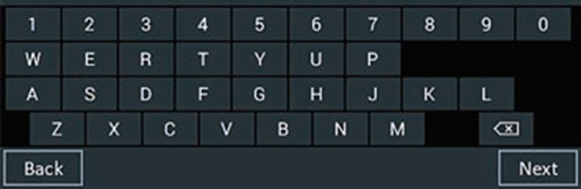
Manual Entry: Use the on-screen keypad to manually type the 17-digit VIN and tap Next. The displayed digit counter will count up the alphanumeric characters as they are entered on the keypad.
4. The Edit Battery Information screen displays vehicle information based on VIN.
5. If the Replacement Battery Selection screen displays, tap the correct battery information or None of the above if the correct battery information is not listed. If None of the above is selected, the Battery Information screen will display.
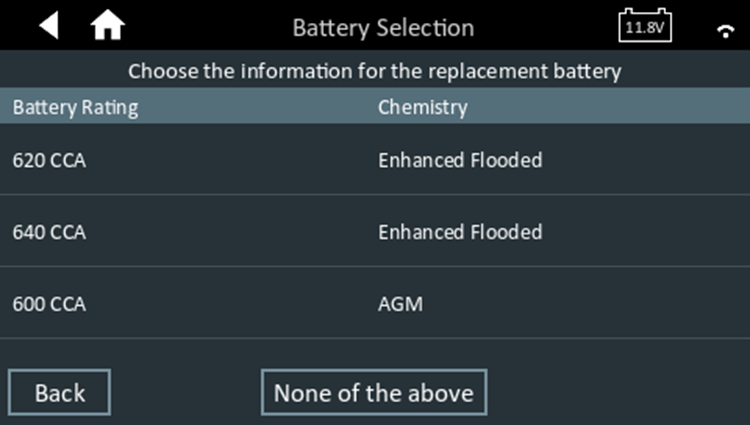
6. If the Battery Information screen displays, tap the correct battery selection then tap Next to run the battery voltage test.
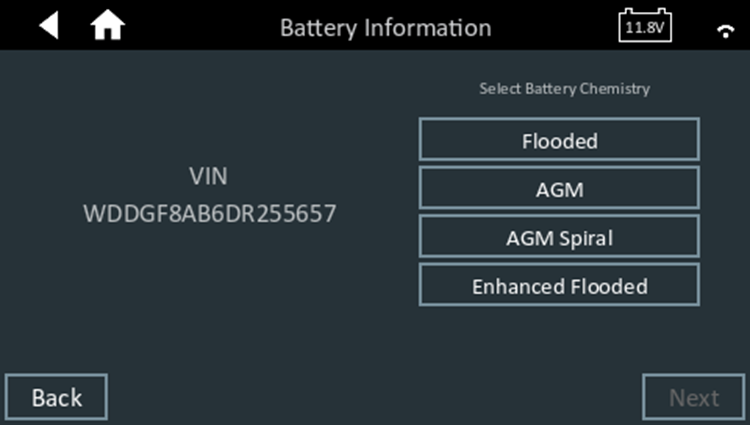
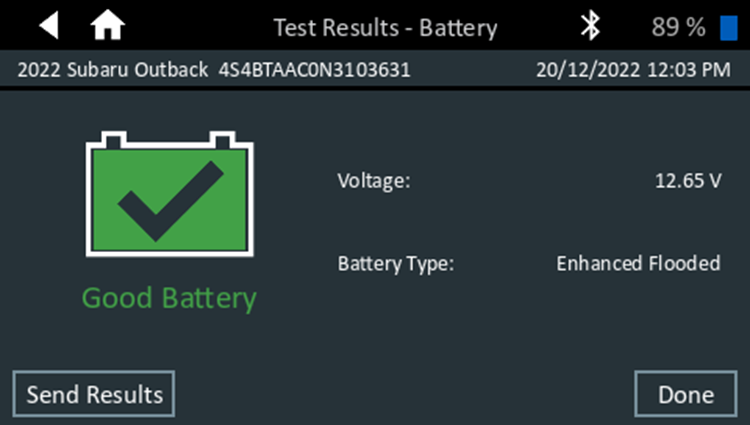
7. A voltage test is performed to determine the charge level of the battery. The test results are then displayed on the Test Results screen as follows:
8. If the battery needs to be charged, then the cranking health will be tested and the battery will be charged.

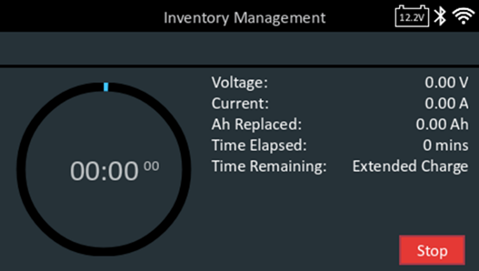
Note: Stop the charge by tapping Stop. The charge results will display No Decision as shown below.
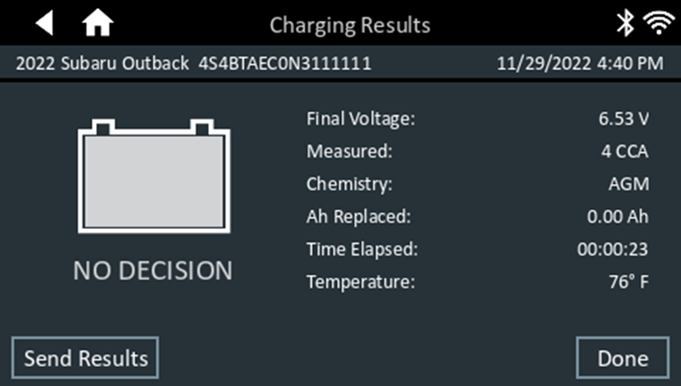
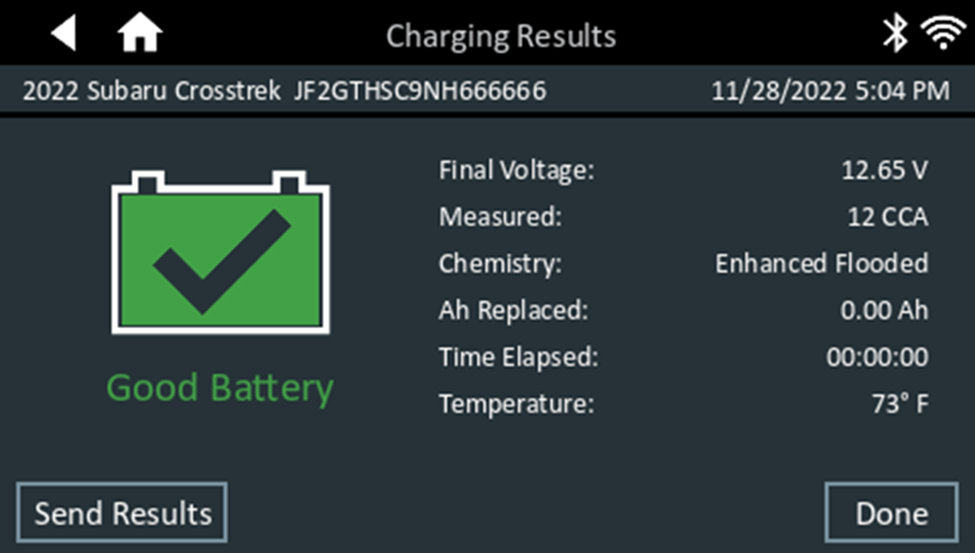
9. The battery cranking test will then display on the charging results screen as follows: